
Zentty Docs
Use Zentty without memorizing its internals.
Zentty is a native macOS terminal for agent-driven development. These docs cover the mental model, first run, worklanes, panes, agent integrations, shortcuts, the embedded CLI, themes, settings, and tmux compatibility.
Applies to current public Zentty builds. Last updated May 11, 2026.
What Zentty Is
Zentty is a native macOS terminal built with Swift/AppKit and libghostty
rendering. It adds worklanes, pane-aware restore, an agent status sidebar,
and a bundled zentty CLI around normal shells so agent work
stays visible without a nested pane manager.
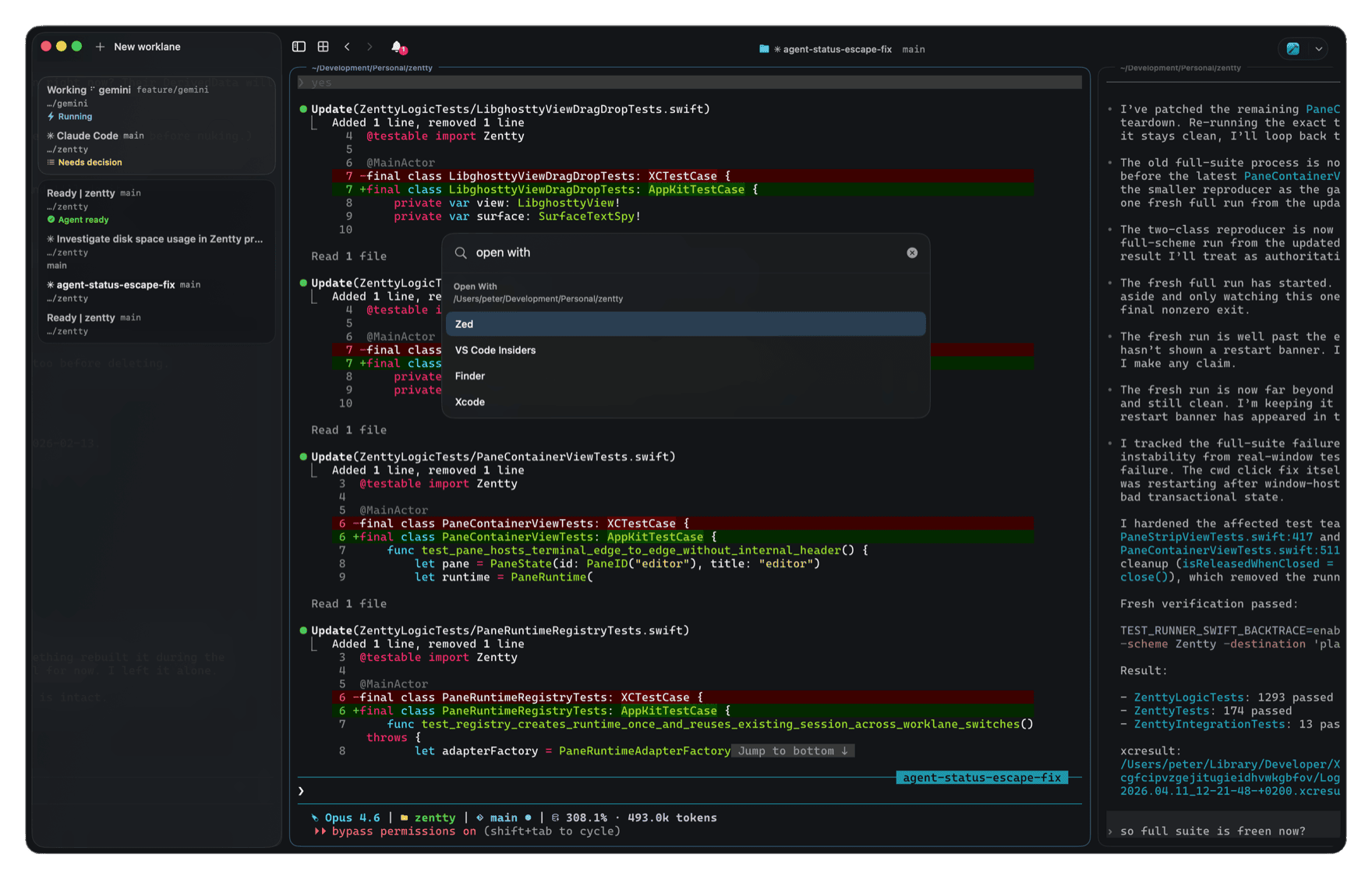
After these docs, you should know how to install the app, create durable work contexts, run supported agent CLIs, script panes, tune settings, and debug the local integration points.
Get Started
Install Zentty, open a worklane, split a pane, and launch an agent in a normal shell. The app will keep the workspace structure around that work so you do not have to rebuild context every time.
zentty version, then launch claude or
codex from inside the pane. You should see the sidebar attach
the tool within a few seconds.
Migration Notes
If you already have terminal muscle memory, start with the comparison closest to your current setup.
Glossary
The Model
Zentty starts with a normal terminal pane, then adds a native workspace model around it. A window contains worklanes. A worklane contains horizontal columns. A column can contain one or more vertically stacked panes. The sidebar mirrors that structure and adds agent state, git context, colors, bookmarks, and notifications.
Window
  Worklane: website
    Column 1
      Pane 1: editor
      Pane 2: tests
    Column 2
      Pane 3: Codex
  Worklane: app
    Column 1
      Pane 1: Xcode build